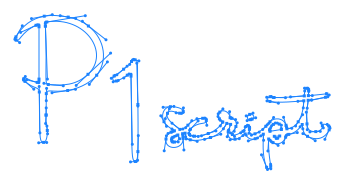
Select Objects by Shape
Selects objects based on their shape.
This script allows you to batch-select objects in the document that share the same shape as the currently selected object. It takes into account differences such as rotation, scale, and mirror reflection, and selects all objects that match the specified conditions. It enables shape-based selection that is difficult to achieve with standard Illustrator tools.
Palette Description
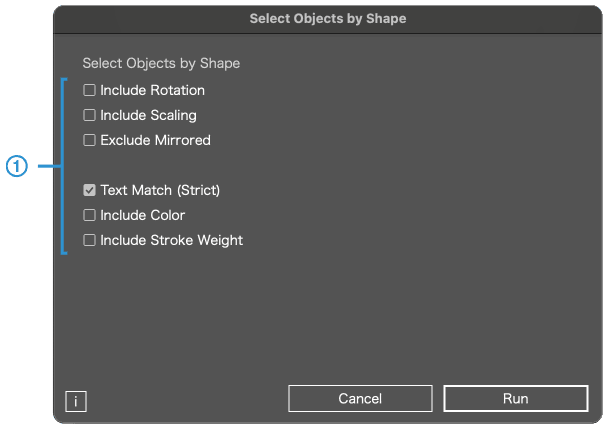
You can batch-select objects that share the same shape as the currently selected one.
However, the following object types are excluded:
・Graph objects
・Symbol objects
1
About selection conditions
By default, the script ignores differences in rotation, scale, and mirror reflection, and selects objects that match the shape.
Include Rotation
Selects objects whose rotation angle matches.

Include Scaling
Selects objects whose scale (size) matches.

Exclude Mirrored
Selects only objects that are not mirrored.

Text Match (Strict)
Selects text objects only when the font family, font size, and character contents all match exactly. When unchecked, strict matching is not applied (e.g., text contained inside groups will not be used as a selection condition).
Include Color
Selects objects whose fill or stroke color matches.

Include Stroke Weight
Selects objects whose stroke weight matches.

This script cannot run if there are locked objects in the document. This is a limitation due to internal processing. Please unlock all objects before running the script.