HOW TO START
How to use the script
Download the script file and move it to the following directory
Just put it in the directory and use it from the Illustrator menu.
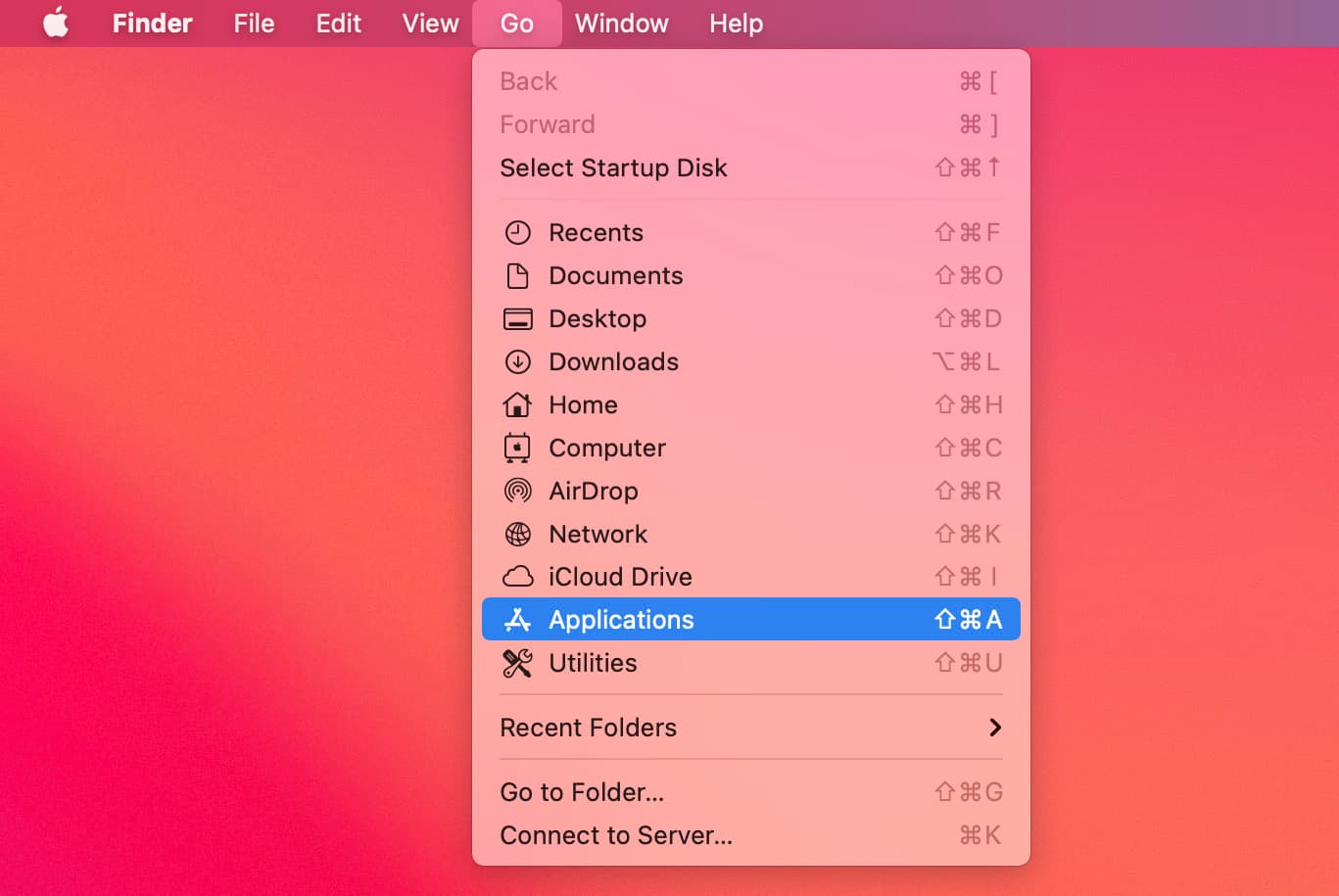
Go > Applications
/Applications/Adobe Illustrator CC 20XX /Presets/en_GB/Scripts
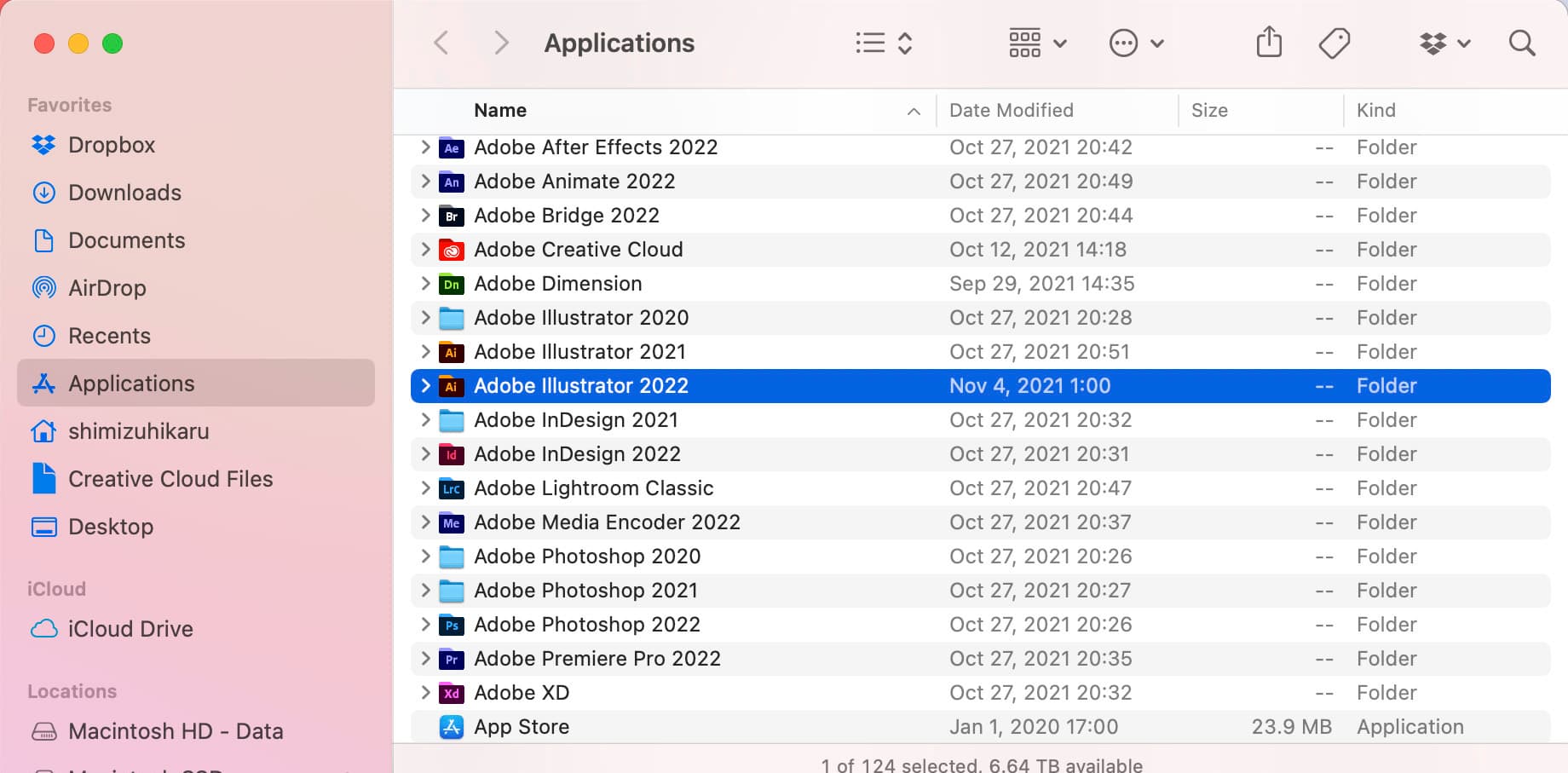
Open the Adobe Illustrator folder for scripts
/Applications/Adobe Illustrator CC 20XX /Presets/en_GB/Scripts
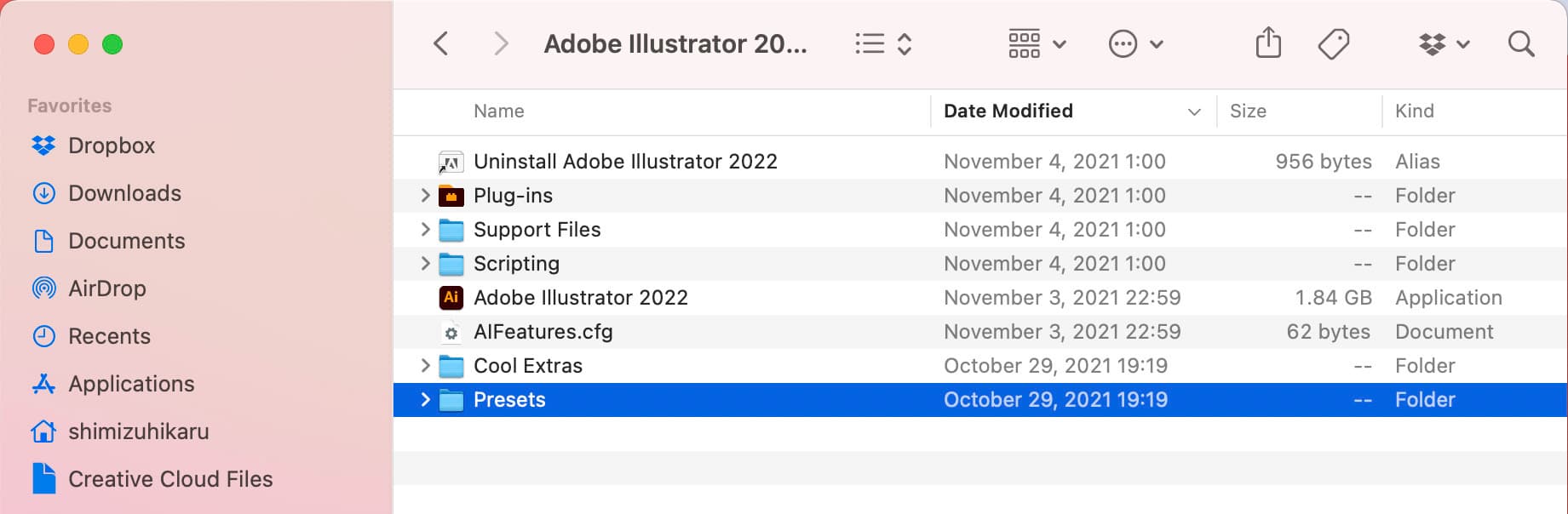
Open the Presets folder.
/Applications/Adobe Illustrator CC 20XX /Presets/en_GB/Scripts
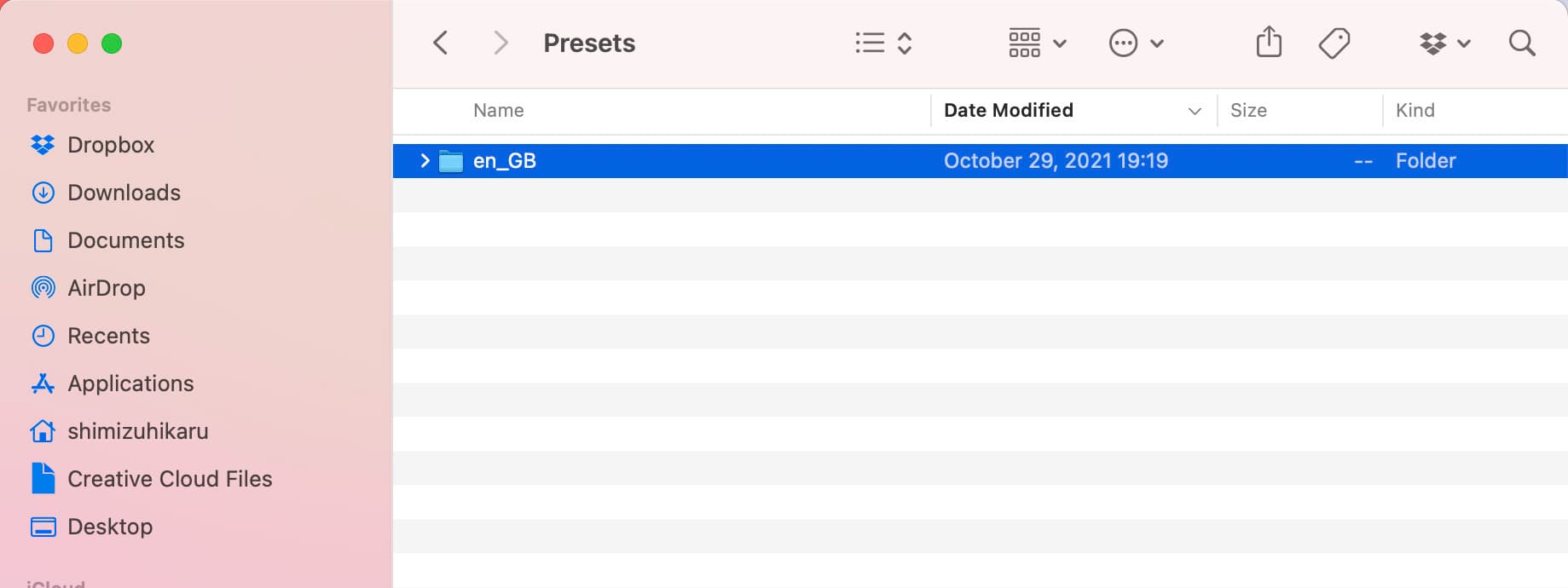
Open your language folder.
/Applications/Adobe Illustrator CC 20XX /Presets/en_GB/Scripts
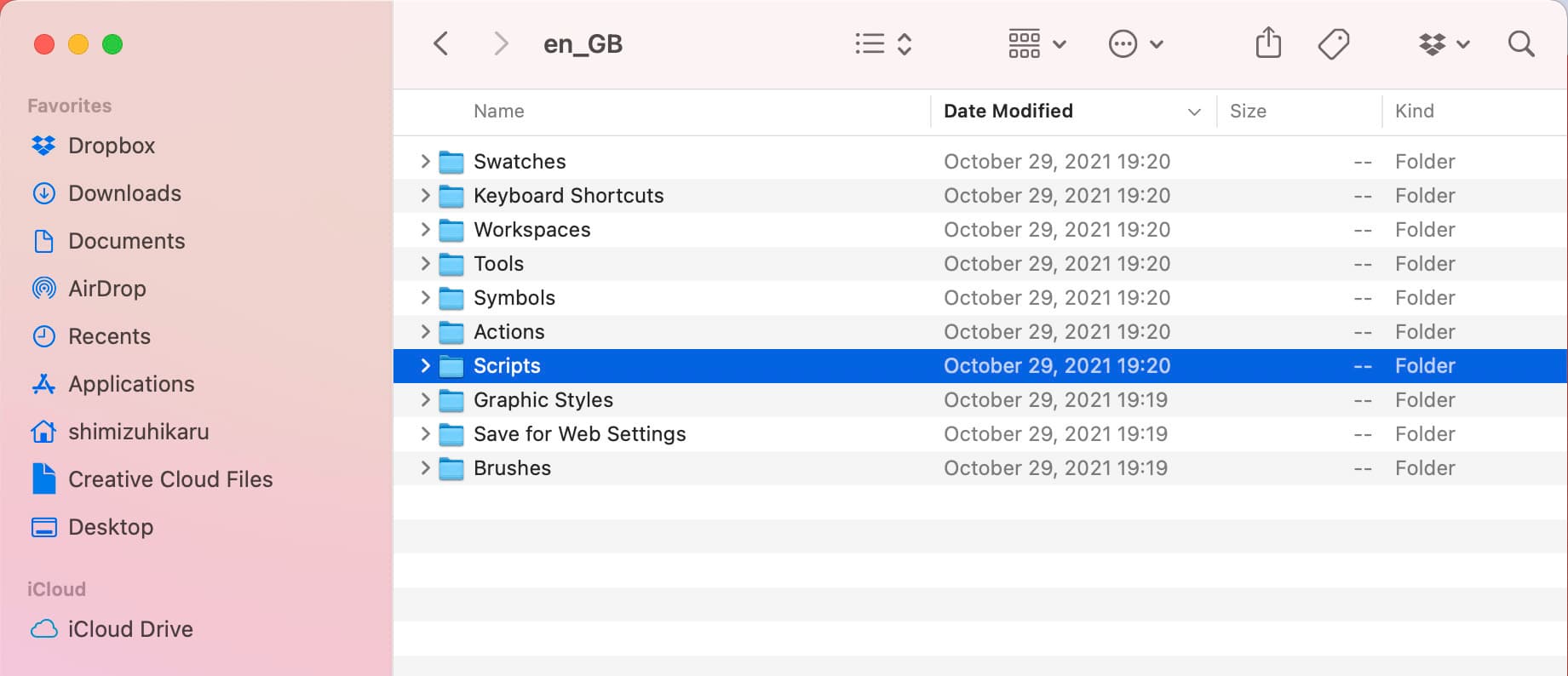
Put the script in the script folder.
Restart Adobe Illustrator and you are done.
/Applications/Adobe Illustrator CC 20XX /Presets/en_GB/Scripts
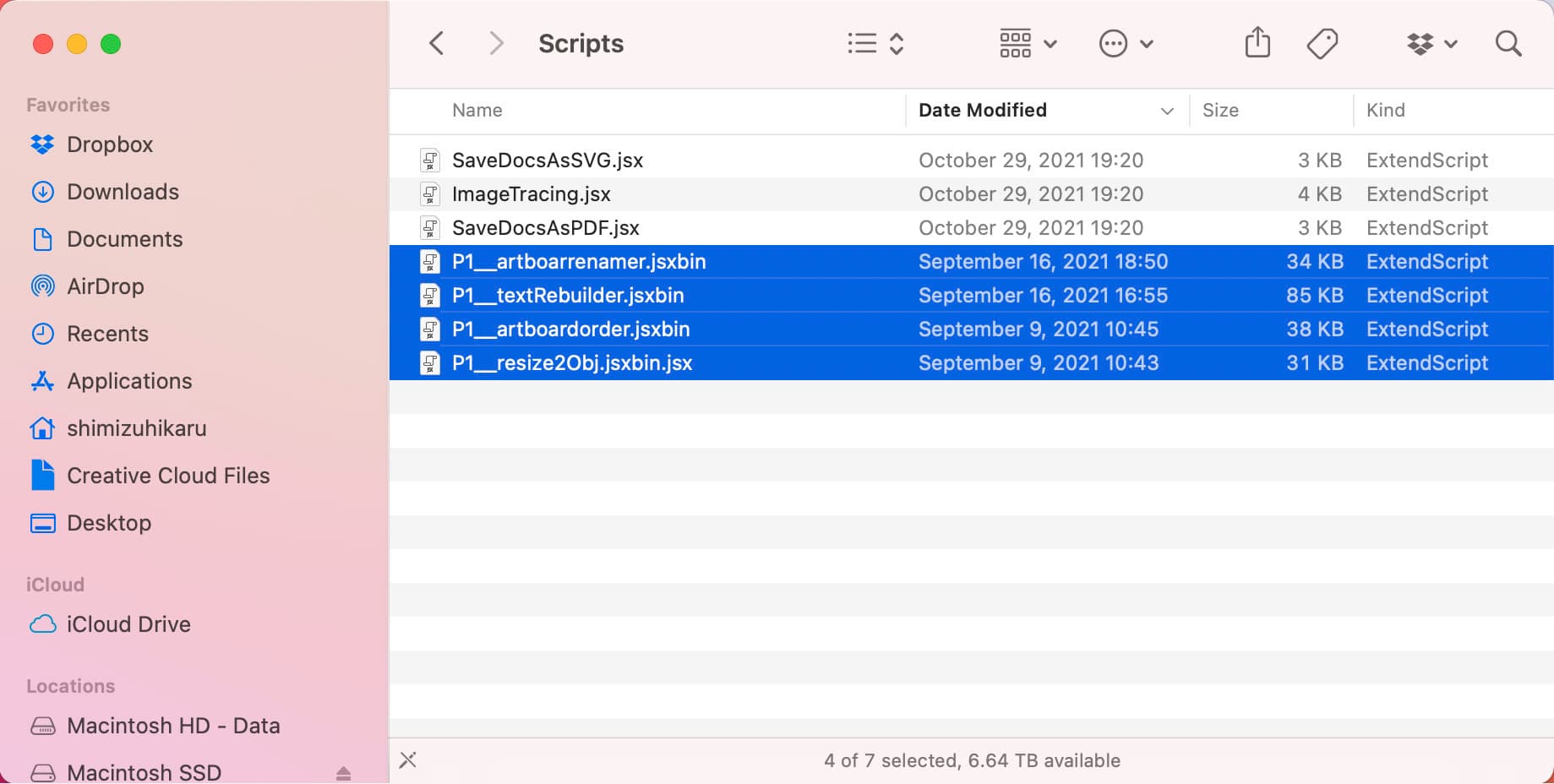
Using the script
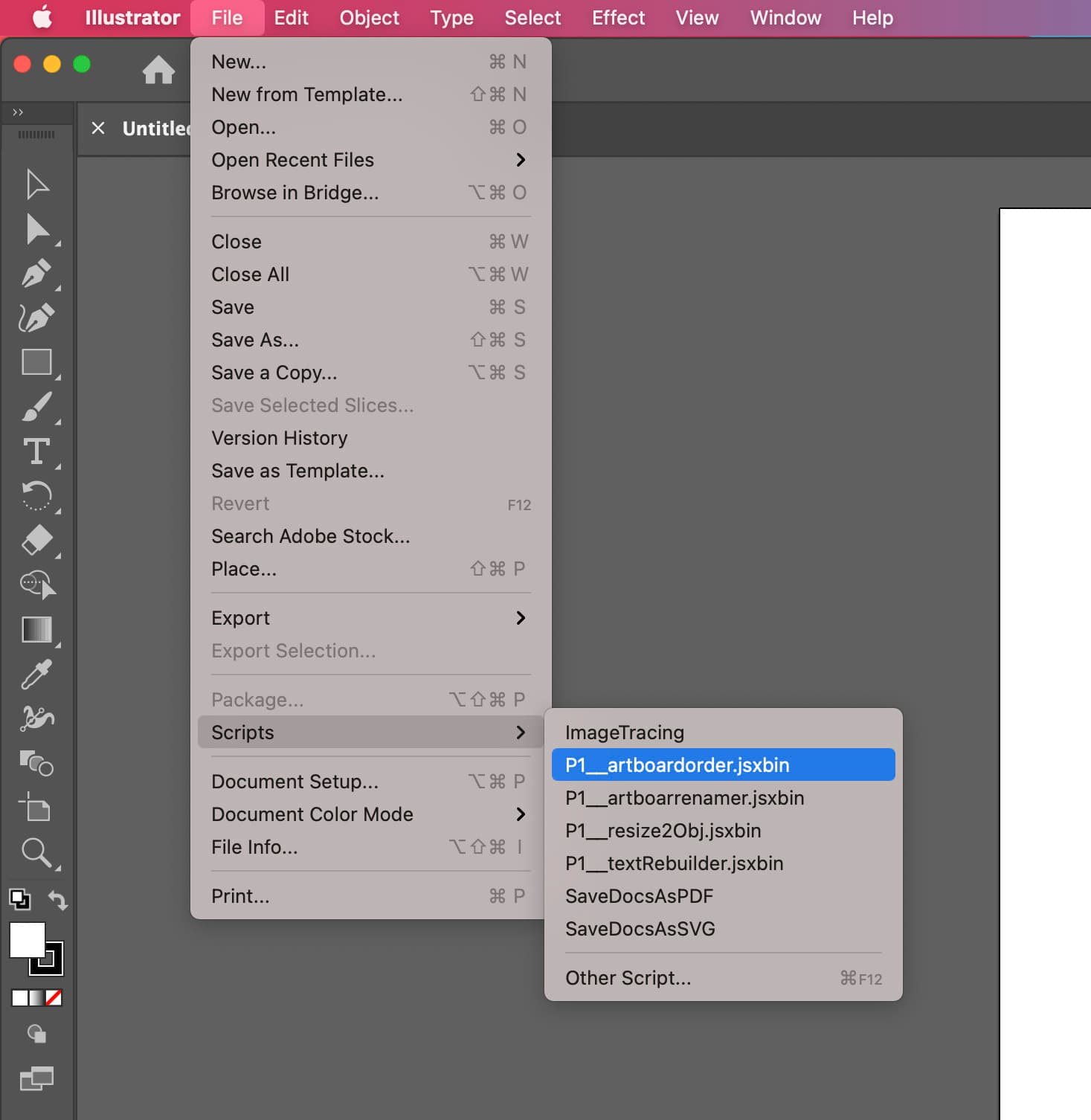
File from Adobe Illustrator > Scripts
Run the script