Resize And Swap
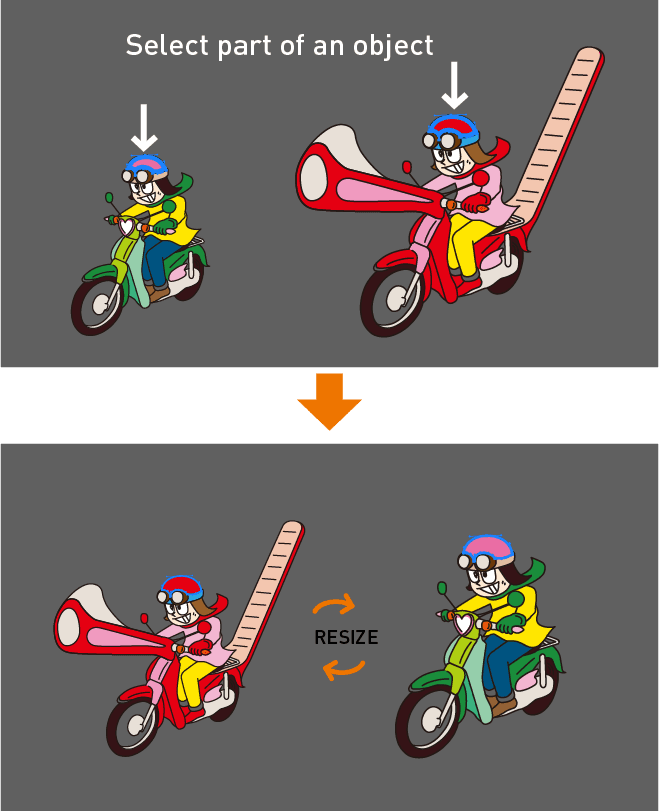
Resize objects to match sizes and swap them.
Resizing objects exactly as intended in Illustrator can often be cumbersome. This script automatically calculates the scaling factor between two objects and swaps them. It can also compare one object within a grouped object and resize accordingly.
Palette Description
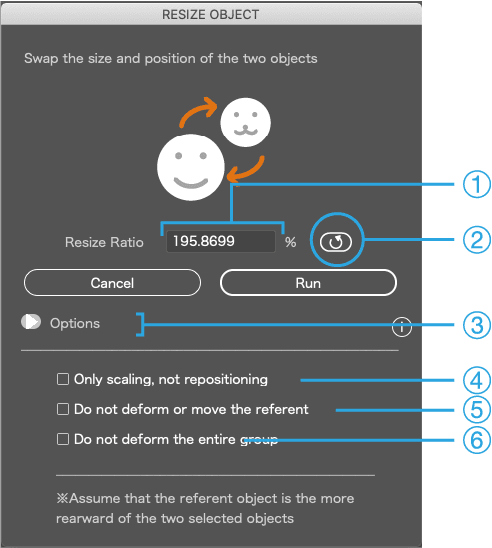
Define the two objects as A and B
1
Resize ratio of A and B
2
Swap A and B
3
Toggle the Options window
4
[Options]
Scale only, without swapping positions of A and B
5
[Options]
Keep A unchanged (no transform or move)
6
[Options]
Do not transform the entire group containing A and B
Basic Usage
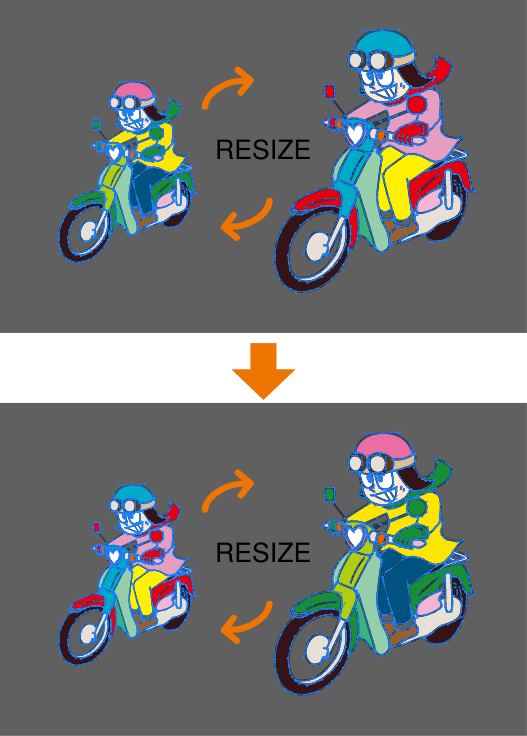
Select two objects and run the script.
They will be resized and swapped.
If resizing doesn’t work properly
From item ① in the palette, you can obtain only the scaling factor between the two objects. Copy this value and paste it into Illustrator’s Scale tool.
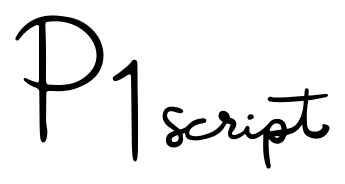
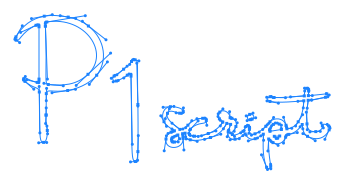
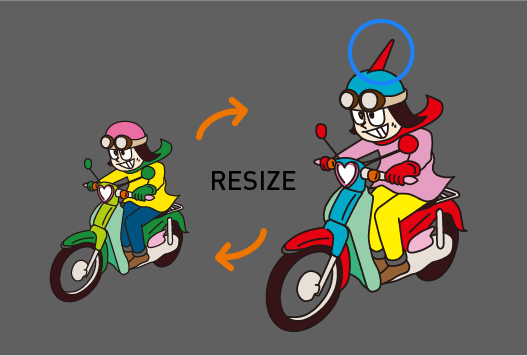
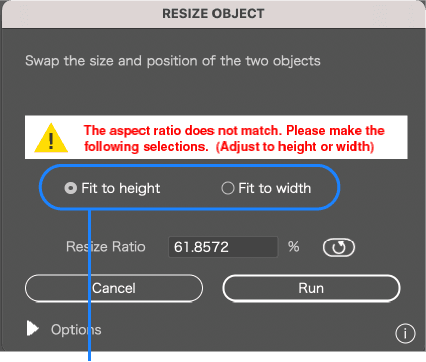
When the two objects have different aspect ratios
Design changes may alter the aspect ratio of two objects. In such cases, an alert will appear, and you can choose whether to match height or width.
When resizing by referencing part of a group
If the overall proportions of the two objects are completely different, you can select part of a grouped object as a reference for resizing.