Random Pattern Generator
Distribute objects randomly to design a pattern.
Applies random scaling, rotation, and other transformations to each selected object and distributes them based on a chosen density. Useful for creating random patterns for textiles, backgrounds, and more.
Palette Description
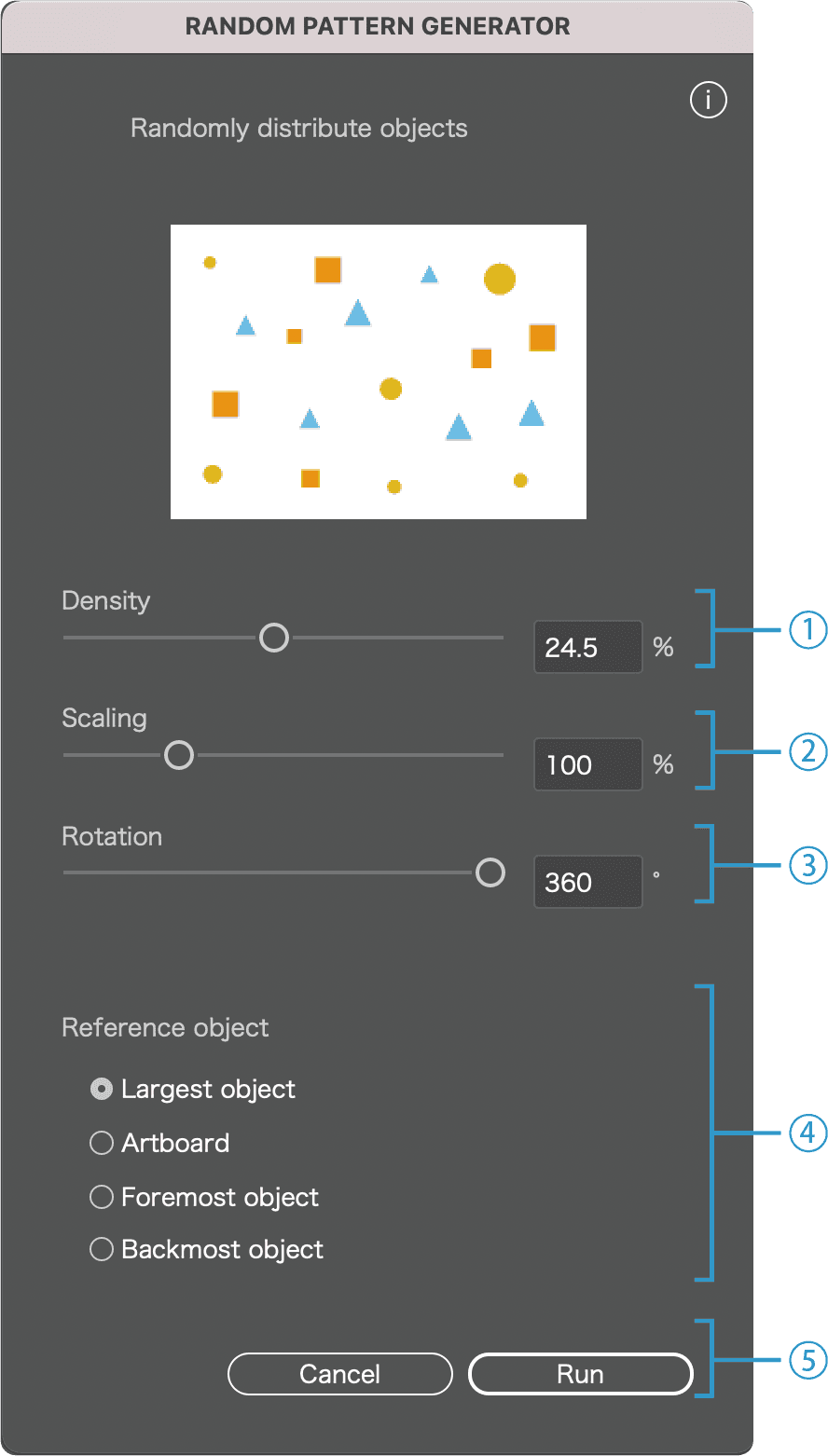
1
Set pattern density
※ If the density is too high, execution time will increase.
2
Set the scaling range for each object
※ For example, setting 150% scales objects randomly within 100%–150%.
3
Set the rotation range for each object
※ For example, setting 360° rotates objects randomly within 0°–360°.
4
Set the placement area
◯ Use the object that encloses all as the reference
※ Automatically detects the largest object among the selection that encloses all others and uses it as the reference.
◯ Use the artboard as the reference
◯ Use the foremost object as the reference
◯ Use the backmost object as the reference
5
Cancel / Run
Click Run to execute the script. Click Cancel to close the dialog.
Basic usage
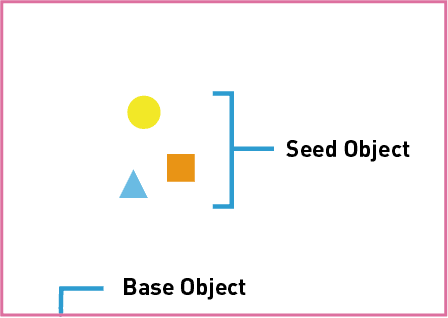
Select the seed objects for the pattern and the object that defines the placement area.
In the dialog, choose density, scale, and rotation.
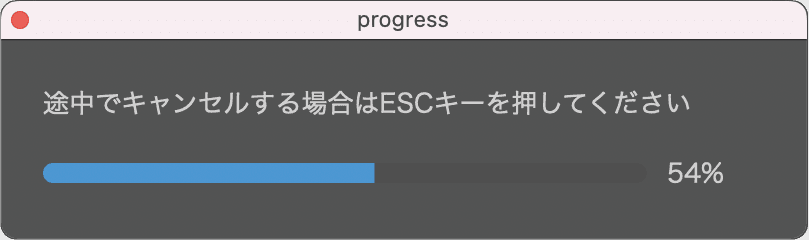
When executed, a progress dialog appears and the script runs. To cancel midway, press the ESC key. If it doesn’t respond, press and hold.
For example, if your pattern uses circles, squares, and triangles, and you want more circles, duplicate the circles first and then run the script.