Random Color Setter
Apply random colors to objects.
Applies random color schemes to multiple objects. The source colors can be chosen in several ways.
Palette Description
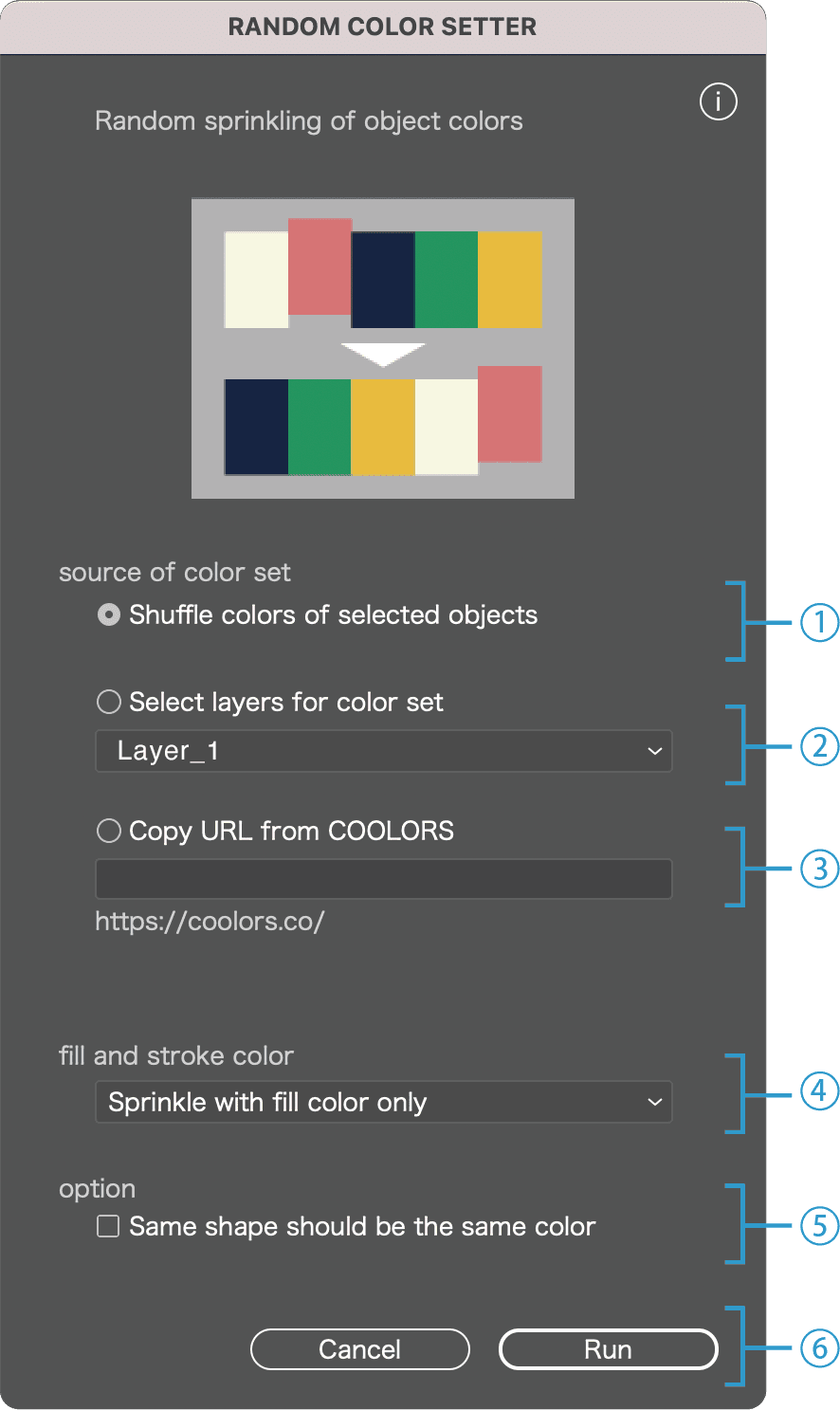
Select the source colors
1
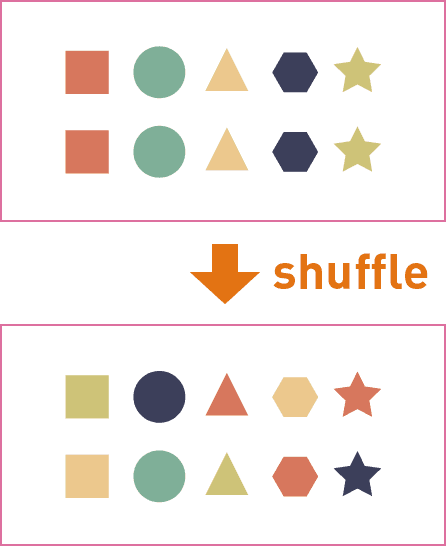
Shuffle colors of selected objects
For example, if you have 5 objects with different colors, the 5 colors will be randomly reassigned among them.
2
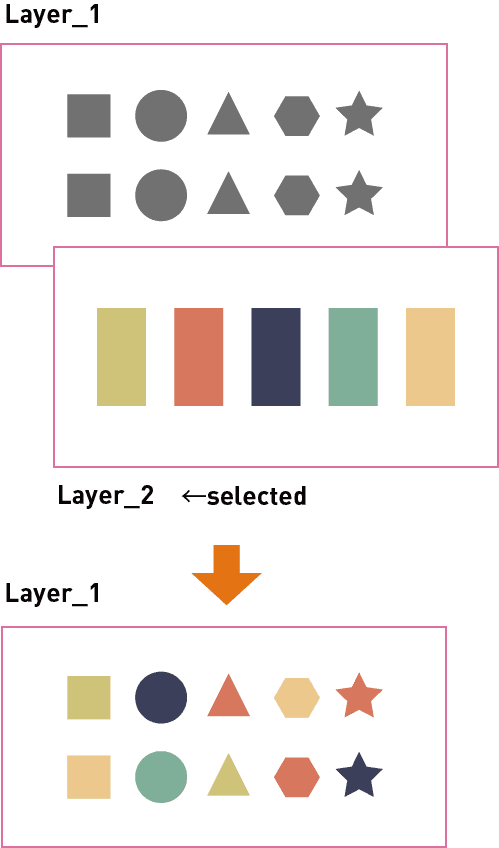
Specify a layer as the color source
For example, place 5 objects with different colors on Layer 2. Use that layer as the color source to recolor the objects on Layer 1.
3
Copy URL from COOLORS
Use color palettes from the COOLORS website.
In COOLORS, go to EXPORT > COPY URL and paste it here.
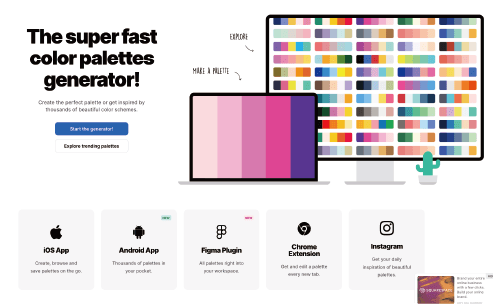
https://coolors.co/
COOLORS is a color palette service widely used by designers and pattern makers. It helps you find color schemes by creating your own or browsing among thousands of palettes.
4
Options
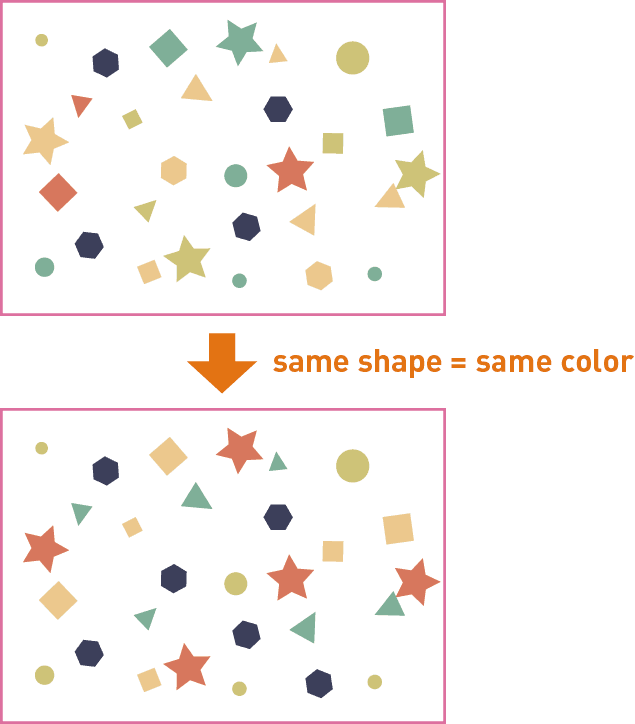
□ Assign the same color to identical shapes
When checked, identical shapes are automatically detected and assigned the same color, even if rotated or scaled.
5
Cancel / Run
Click Run to execute the script, or Cancel to close the dialog.